
Mobile detailing schedules
need room for the drive.
An appointment has to fit the service, the drive and the crew. A gap between two jobs does not necessarily mean you can reach the next customer on time.
Start with the whole job
Estimate service duration from the package, vehicle and agreed add-ons. Keep room for setup, packing and travel. The time promised to the customer and the total time a crew is occupied are different parts of the schedule.
Before offering a slot, check the service address and area you cover. Then check whether the assigned people, vehicle and equipment are available for the whole visit.
One gap, two possible appointments
This is an illustrative planning example for one crew. The durations and travel times are assumptions for the exercise, not live route calculations or standard detailing times.
| Time | Job | Status |
|---|---|---|
| 8 to 10 am | Full detail | Confirmed |
| 10:30 am to noon | Interior detail, 90 minutes | Requested |
| 1:30 pm | Next customer's visit | Confirmed |
The first job ends at 10 am. Allow 15 minutes to pack, 25 minutes to drive to the requested job and 10 minutes to set up. The crew can start at 10:50 am, so the requested 10:30 appointment does not fit.
An 11 am start would finish the 90-minute interior detail at 12:30 pm. With 15 minutes to pack, 20 minutes to reach the next customer and 10 minutes to set up, the crew is ready at 1:15 pm. That leaves 15 minutes before the confirmed 1:30 visit. Offer that alternative only if those assumptions and the customer's availability hold.
What changes when a job runs late?
If the first detail finishes 30 minutes late, the crew cannot start the proposed 11 am job before 11:20. Recheck the rest of the day and contact affected customers. A shorter route cannot erase the time already lost.
Apply the same check to weather changes, added services and cancellations. Keep confirmed customer times visible while considering alternatives. Moving one job should not silently change everyone else's appointment.
Two vans do not always mean two available crews
A second van adds capacity only when the required people and equipment are free. If the same technician is assigned to both vans, two open calendar columns do not make simultaneous appointments possible.
Ask how the software handles shared staff, time off and a van becoming unavailable. Test the case that actually happens in your business, rather than judging only an empty calendar.
Keep the route and customer record together
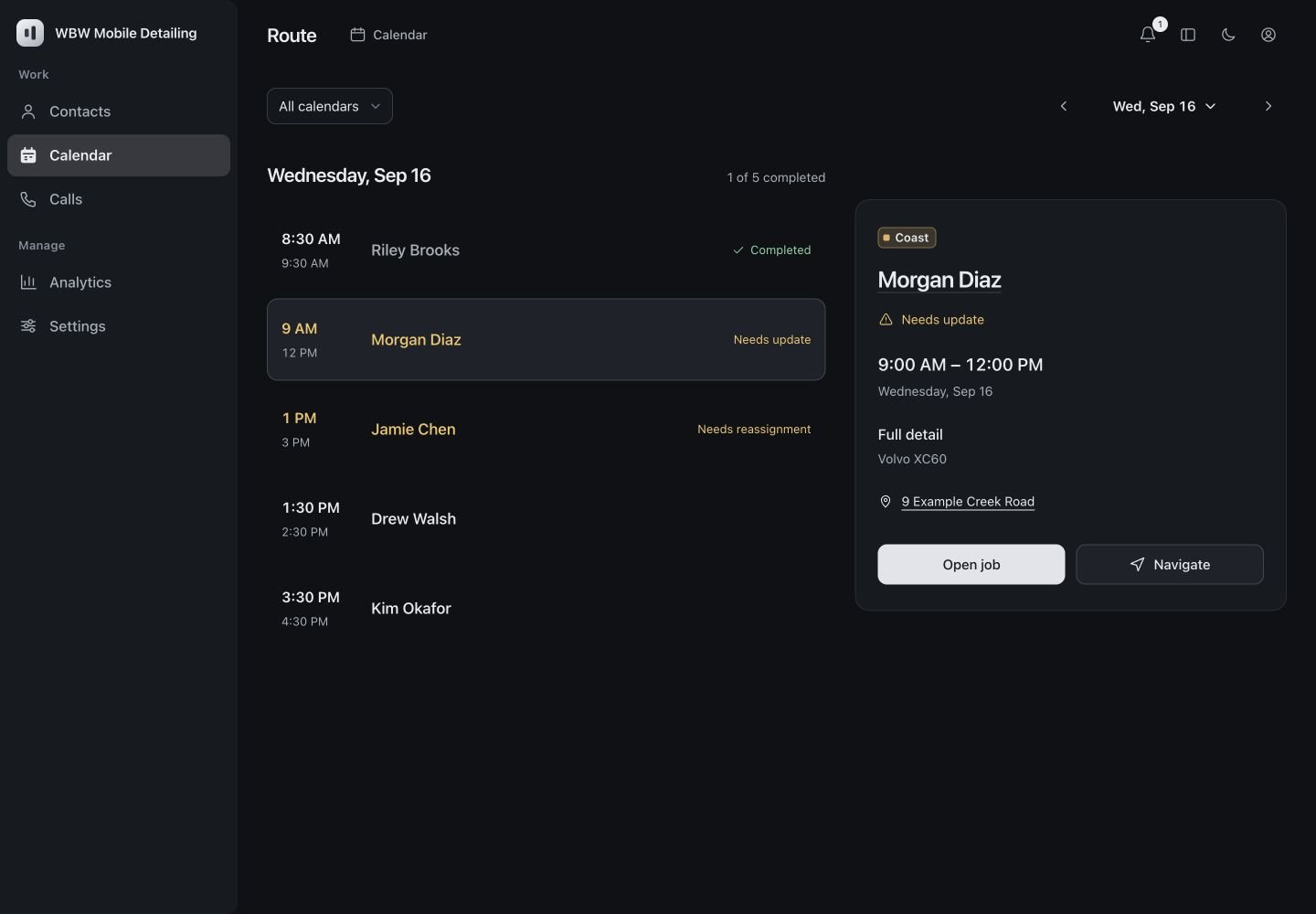
Opening a stop should give the detailer the customer, vehicle, service, address and relevant job notes. A changed appointment should be reflected in both the schedule and route before the crew leaves.
What should you test in a software demo?
- A new request whose service fits the gap but whose drive does not.
- A different vehicle or add-on that changes service duration.
- Two vans that need the same technician.
- A reschedule that updates the route and protects existing commitments.
- A phone inquiry that becomes a confirmed booking or a clearly labeled request.
These are evaluation criteria, not a list of functions available in our product today. Our mobile detailing CRM and AI receptionist are being developed around this workflow. We'll show the current functions and the connections still being built during your demo.
Bring a typical day.
We'll walk through your services, customers and schedule with the current product.
Book a demo